
Tax basics for new creators: what to set aside, in plain English
 Yuki HartTax writer for creators
The first time a creator makes $4,000 from a brand deal and spends all of it, then receives a quarterly tax estimate in the mail a few months later, they panic. We don't want you to panic. We want you to set aside roughly 25–30% of every creator dollar for tax the moment it lands, and then file a quarterly estimate four times a year.
How much to set aside
If you're in the US and you earn under ~$75k/yr from creator work, 25% is a safe default. If you earn more (or you live in a state with high income tax), bump to 30%. Move it into a separate savings account the day the invoice is paid, not the day before taxes are due.
A simple rule: Every time an invoice marks itself 'Paid' in Artisan Invoice, immediately move 25–30% of the gross into a tax-only savings account. Automated if you can; manual if you have to.
Why: self-employment tax
You're not just paying income tax — for any creator income that doesn't come via a W-2, you also owe self-employment tax (15.3% to cover Social Security and Medicare). That's the 25–30% number, not 15%. The IRS has a calculator for it; your accountant has a better one.
Quarterly estimates — the four magic dates
Most first-time creators miss these dates and then owe a small penalty at year-end. The four US due dates in 2026 are:
Q1 — April 15
Q2 — June 15
Q3 — September 15
Q4 — January 15 of the following year
Each one is roughly 25% of your expected annual tax liability. The IRS lets you pay via direct debit from their site. Set four calendar reminders each January and you're done.
The one spreadsheet you actually need
You don't need eleven tabs. You need five columns and a year of rows:
Five columns: Date · Client · Amount invoiced · Amount paid · Tax set aside (25–30%). That's it.
At year-end, hand the CSV export from Artisan Invoice plus this spreadsheet to your accountant. They'll do the rest. If your accountant doesn't already exist, that's a separate problem and we wrote a longer post about finding one that fits creator work.
 Money
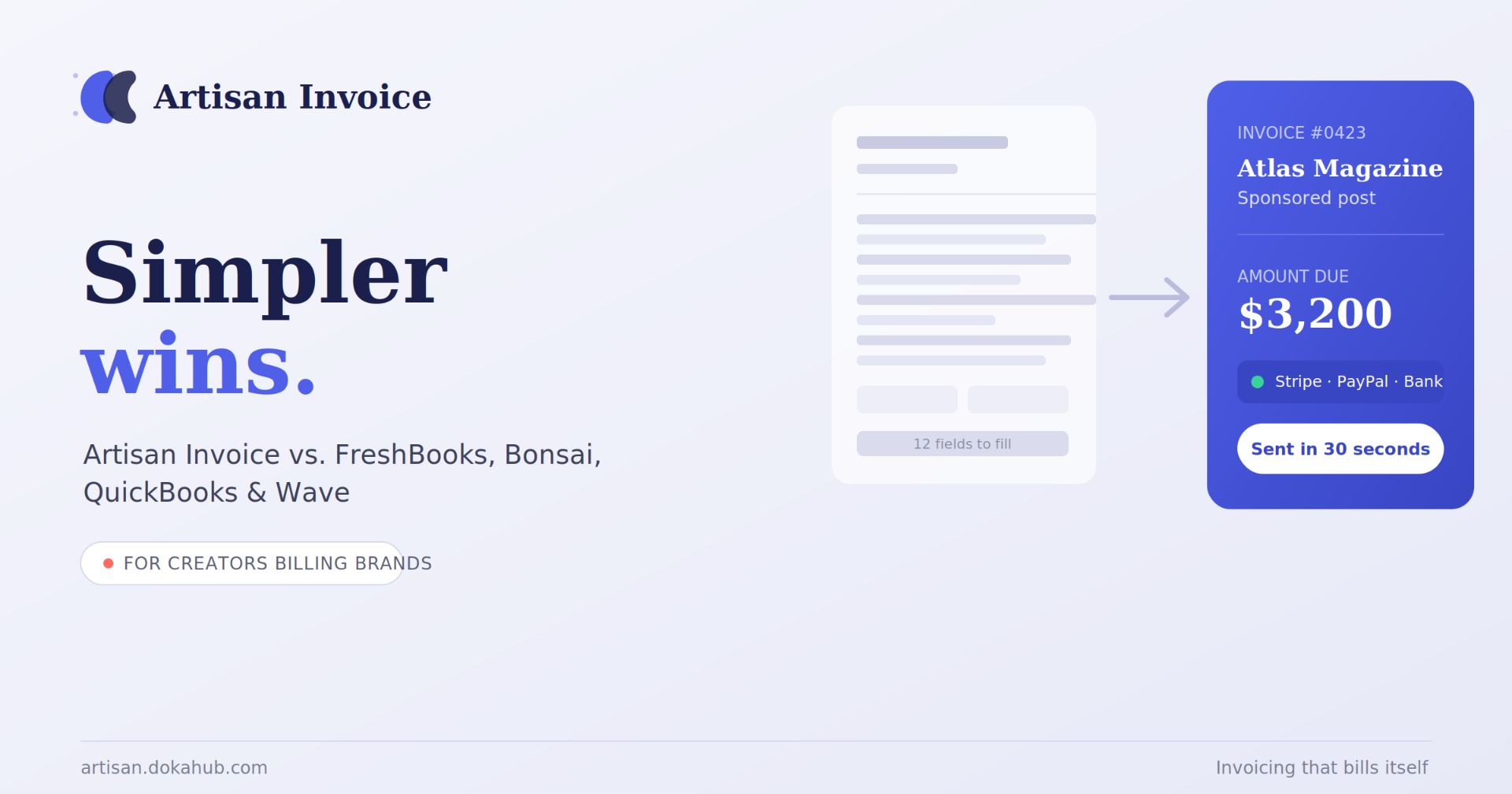
MoneyArtisan Invoice vs. FreshBooks, Bonsai, QuickBooks & Wave: The Simplest Invoicing App for Creators in 2026
If you're a creator billing brands for sponsorships, deliverables, or royalties, you've probably tried to make FreshBooks, QuickBooks, or Bonsai work — and found yourself buried in features built for a completely different job. These tools were designed for agencies and consultants managing dozens of clients and full-blown bookkeeping. You just want to send a clean invoice, get paid, and get back to creating.
 Money
MoneyThe Late-Fee Question: How to Charge One Without Losing Clients
If you make things for a living, you've probably had this exact internal debate: should I actually charge a late fee? Part of you says yes — your time has value, and chasing payments isn't part of the craft. Another part worries it'll make you look difficult, or worse, cost you a client over what might just be a busy week on their end.
When to ditch your spreadsheet: signs you've outgrown manual bookkeeping
Five quiet signals that it's time to move beyond Google Sheets. Plus a checklist for a painless migration.
Liked this? Get the next one in your inbox.
One short brief a month for creators. Smarter invoicing, tax reminders, the occasional funny tax meme.