
Stripe, PayPal, and bank: why having all three on one invoice matters
 Mira AchebeHead of product · Artisan Invoice
Every invoice Artisan Invoice generates includes three payment methods on the same page: a Stripe card-payment link, a PayPal checkout link, and your bank transfer details. That isn't a nice-to-have; we built it that way because the data on recovery speed is loud and clear.
The 2.4× faster number
Across 28,000 invoices last year, those that listed a single payment method had a median time-to-pay of 18 days. Those that listed three methods had a median of 7.5 days. Same invoice amount, same client, same day of the week — the only variable was the choice.
Why? Because friction in paying is the conversion-killer. If a brand's AP team can only pay by wire and your invoice only shows a Stripe link, the invoice sits in someone's inbox until it's their job to walk it through a manual approval flow. If the same brand can also pay by bank transfer (a 60-second ACH push for most US AP software), the payment gets made within the hour.
Why one method isn't enough
Card payment via Stripe is fastest for small invoices (under ~$1,000) but slow for big ones — most corporate cards don't have the limit.
PayPal is great for international creators and brands with global AP — the brand can pay without wiring fees.
Bank transfer is fastest for larger domestic invoices. Many US AP teams will silently default to ACH, even when an invoice lists a card link first.
Three methods, on the same invoice, in the same place, with the same due date. Your client picks. You don't have to think about which one to send.
How to set all three up in under three minutes
- 1
Connect your Stripe account from the Payments page — copy your API keys, paste them in.
- 2
Connect PayPal the same way — we use the official PayPal Commerce integration.
- 3
Drop your bank account details (name, ACH routing, account number) into the Bank field.
What we show on the invoice: A clean row at the top: 'Pay via Stripe · PayPal · or bank transfer to [Bank Name] **** 4231.' The three methods are equal weight — no implied preference order.
When to ditch your spreadsheet: signs you've outgrown manual bookkeeping
Five quiet signals that it's time to move beyond Google Sheets. Plus a checklist for a painless migration.
 Money
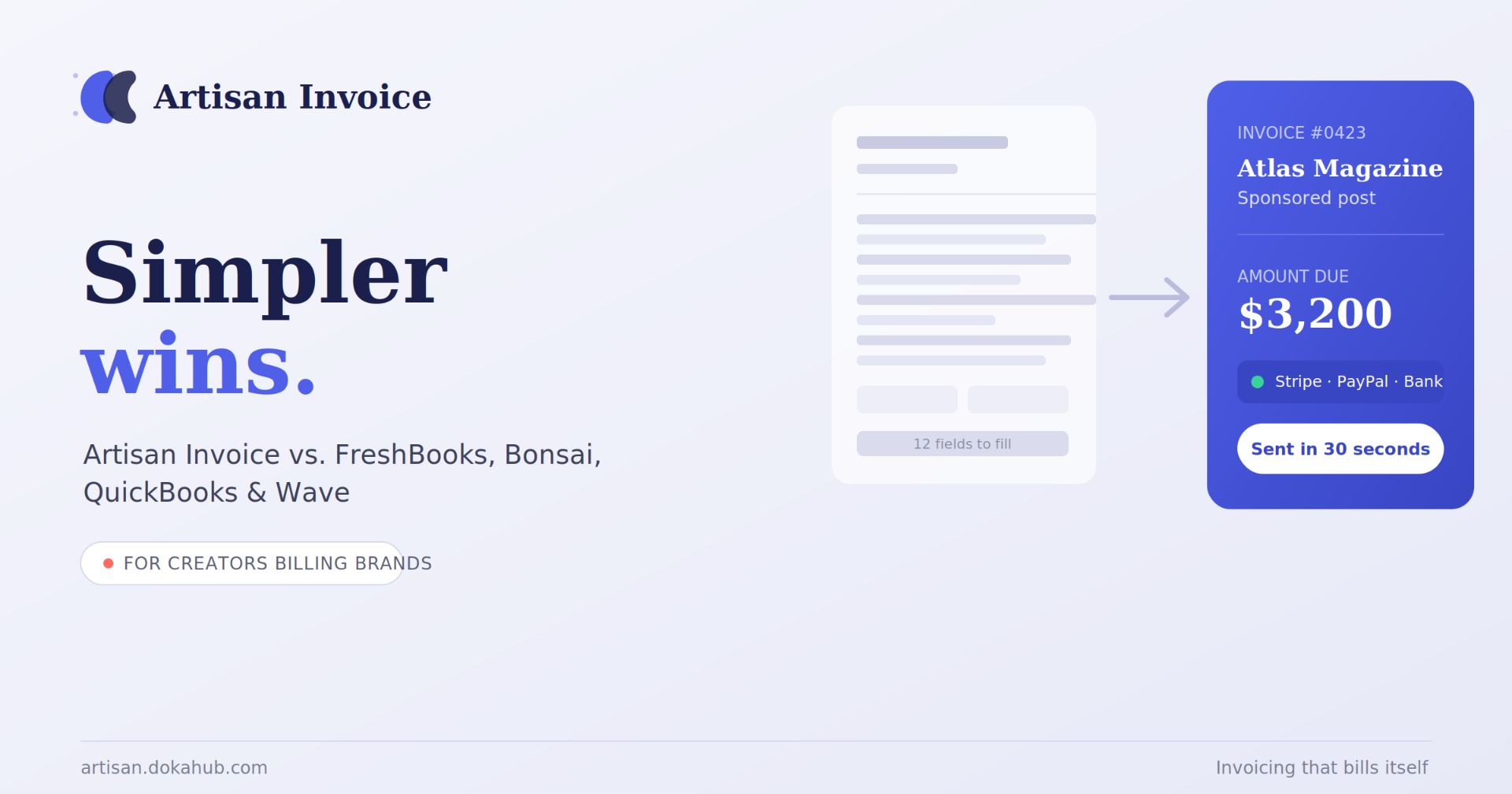
MoneyArtisan Invoice vs. FreshBooks, Bonsai, QuickBooks & Wave: The Simplest Invoicing App for Creators in 2026
If you're a creator billing brands for sponsorships, deliverables, or royalties, you've probably tried to make FreshBooks, QuickBooks, or Bonsai work — and found yourself buried in features built for a completely different job. These tools were designed for agencies and consultants managing dozens of clients and full-blown bookkeeping. You just want to send a clean invoice, get paid, and get back to creating.
 Money
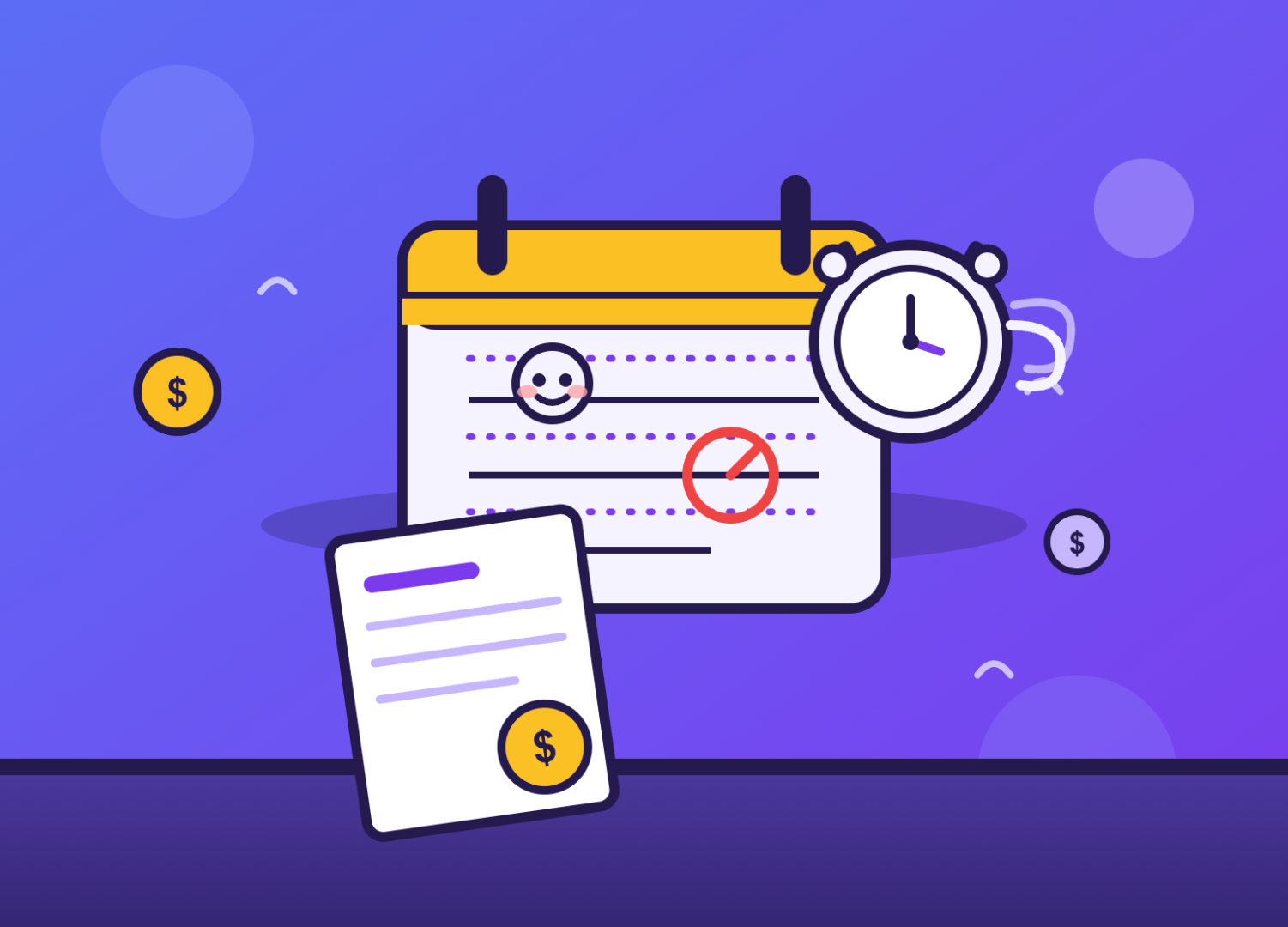
MoneyThe Late-Fee Question: How to Charge One Without Losing Clients
If you make things for a living, you've probably had this exact internal debate: should I actually charge a late fee? Part of you says yes — your time has value, and chasing payments isn't part of the craft. Another part worries it'll make you look difficult, or worse, cost you a client over what might just be a busy week on their end.
Liked this? Get the next one in your inbox.
One short brief a month for creators. Smarter invoicing, tax reminders, the occasional funny tax meme.