
When to ditch your spreadsheet: signs you've outgrown manual bookkeeping
 Mira AchebeHead of product · Artisan Invoice
Every creator starts with a spreadsheet. Most creators should graduate off it within their first year of full-time work. There's no shame in the spreadsheet — it taught you what to track. There's also no shame in admitting it's now the bottleneck.
Five quiet signals it's time
- 1
You spend more than 30 minutes a week updating the sheet.
- 2
You have at least three tabs and you're not 100% sure the totals match across them.
- 3
You've lost track of which invoices are actually paid vs. which are marked 'paid' but never cleared your bank.
- 4
Your accountant's annual fee is increasing because each year has more catch-up than analysis.
- 5
You've sent an email that said 'just confirming I paid you' to a client, and you weren't sure until they replied.
If two or more of those apply, you're ready. Invoice management software isn't about fancier features — it's about removing the cognitive load of having to remember anything.
A painless migration
Don't try to migrate everything in one weekend. The data is the easy part; the workflow is the hard part. Day-zero plan:
Migration checklist: 1) Export your existing invoice tracker as CSV. 2) Connect payment processors (Stripe, PayPal) so historical payments auto-import. 3) Recreate your top three clients as contacts. 4) Create one timestamped invoice for each of the last 12 months of work so your year-end is already set. 5) Set a quiet reminder for end-of-month close for the first three months while you build the habit.
What you don't need to migrate
Notes, draft outlines, abandoned ideas, half-completed proposals — all of it stays in your spreadsheet or note tool. Invoice management software only needs the actual invoices, payment statuses, and client contacts. Everything else is noise.
Once you're settled, you'll wonder how you ever ran a brand sponsorship through eight rounds of email confirmation and a Google Doc.
Stripe, PayPal, and bank: why having all three on one invoice matters
When a client can pick how they pay, invoices get paid 2.4× faster. The data, and how Artisan Invoice makes it effortless.
 Money
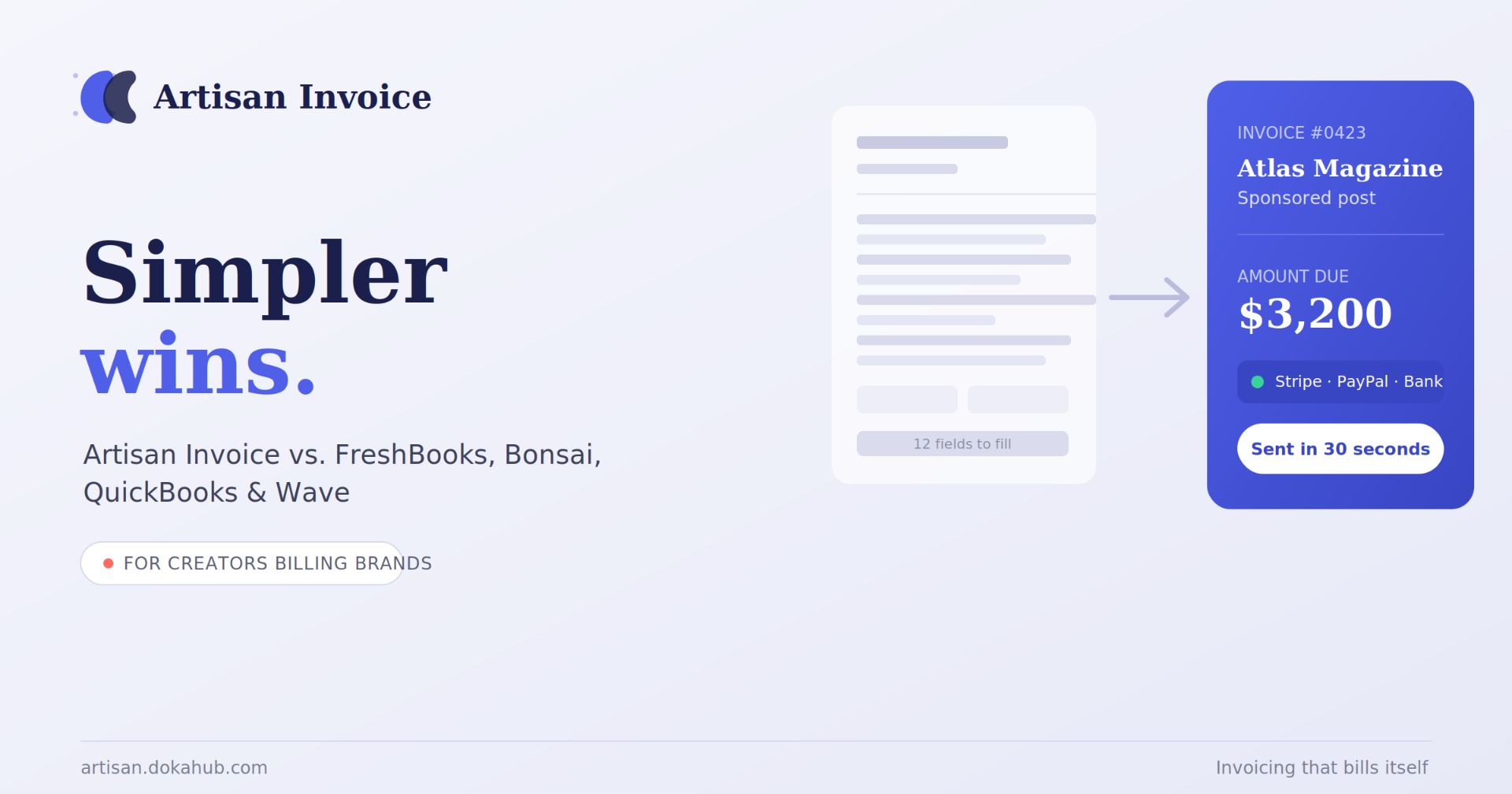
MoneyArtisan Invoice vs. FreshBooks, Bonsai, QuickBooks & Wave: The Simplest Invoicing App for Creators in 2026
If you're a creator billing brands for sponsorships, deliverables, or royalties, you've probably tried to make FreshBooks, QuickBooks, or Bonsai work — and found yourself buried in features built for a completely different job. These tools were designed for agencies and consultants managing dozens of clients and full-blown bookkeeping. You just want to send a clean invoice, get paid, and get back to creating.
 Money
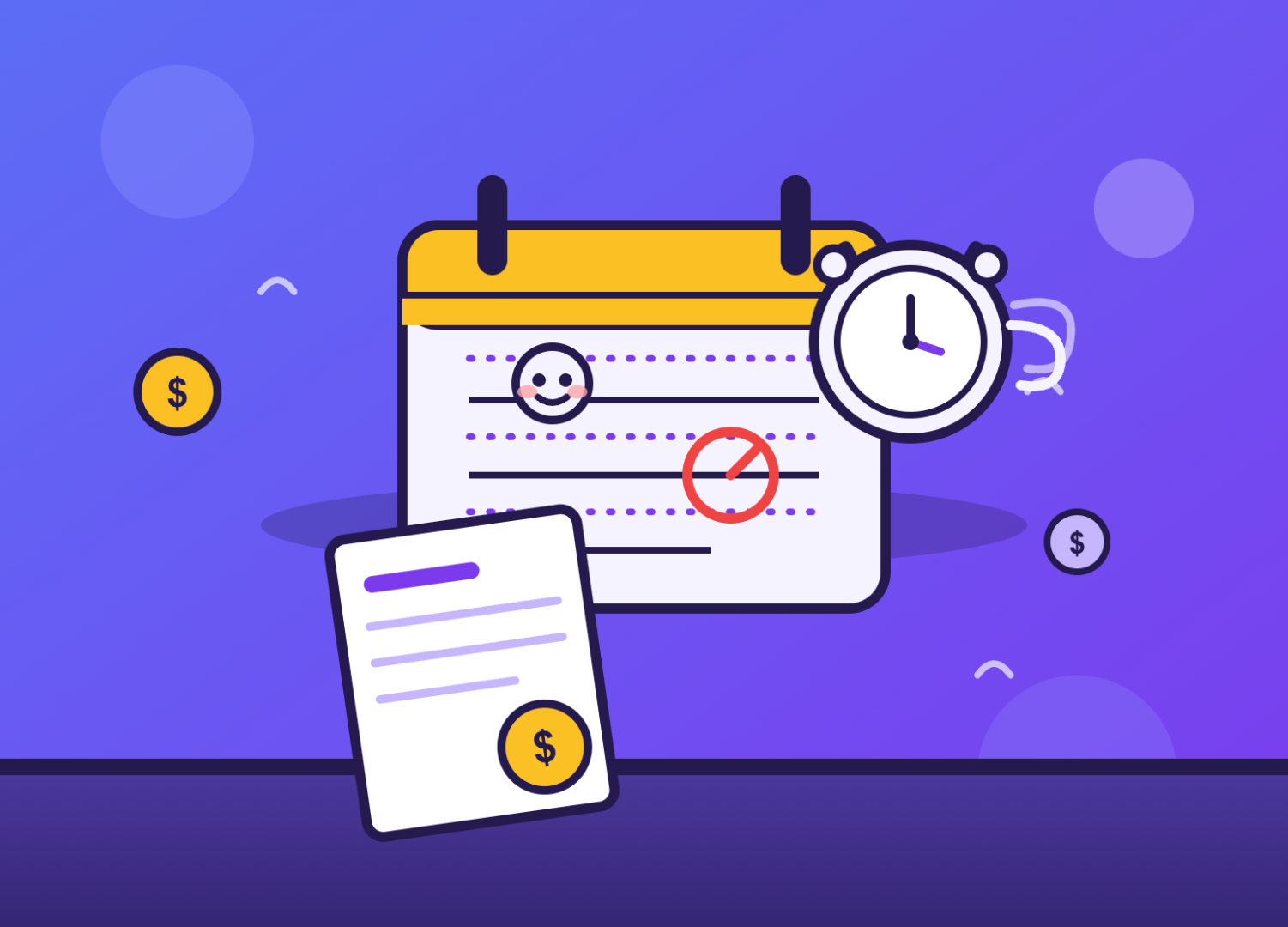
MoneyThe Late-Fee Question: How to Charge One Without Losing Clients
If you make things for a living, you've probably had this exact internal debate: should I actually charge a late fee? Part of you says yes — your time has value, and chasing payments isn't part of the craft. Another part worries it'll make you look difficult, or worse, cost you a client over what might just be a busy week on their end.
Liked this? Get the next one in your inbox.
One short brief a month for creators. Smarter invoicing, tax reminders, the occasional funny tax meme.